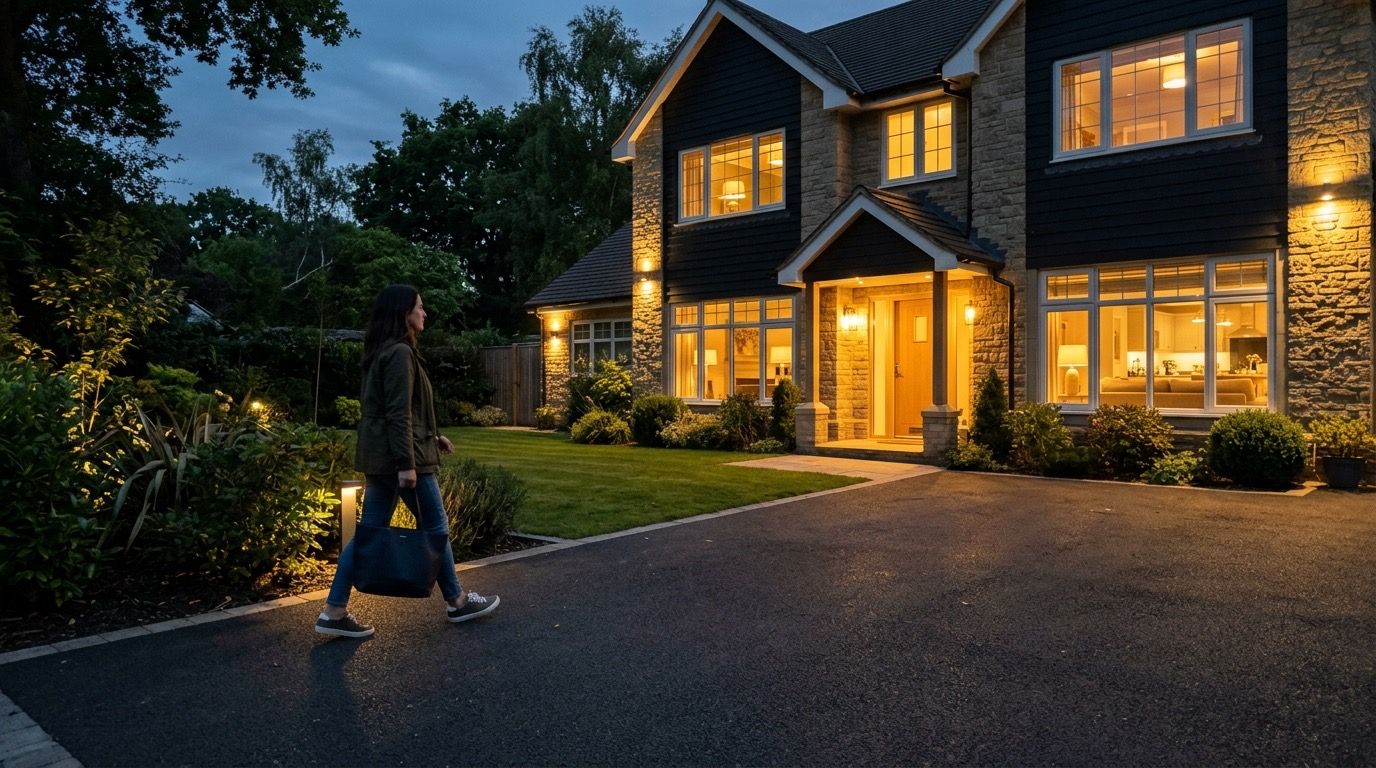
Presence detection for your Homey, at every location
Drivie tells your Homey when you arrive or leave, using your phone's location. That works at home, at work, at your parents' or at a holiday home, and for everyone in the household together.
How it works
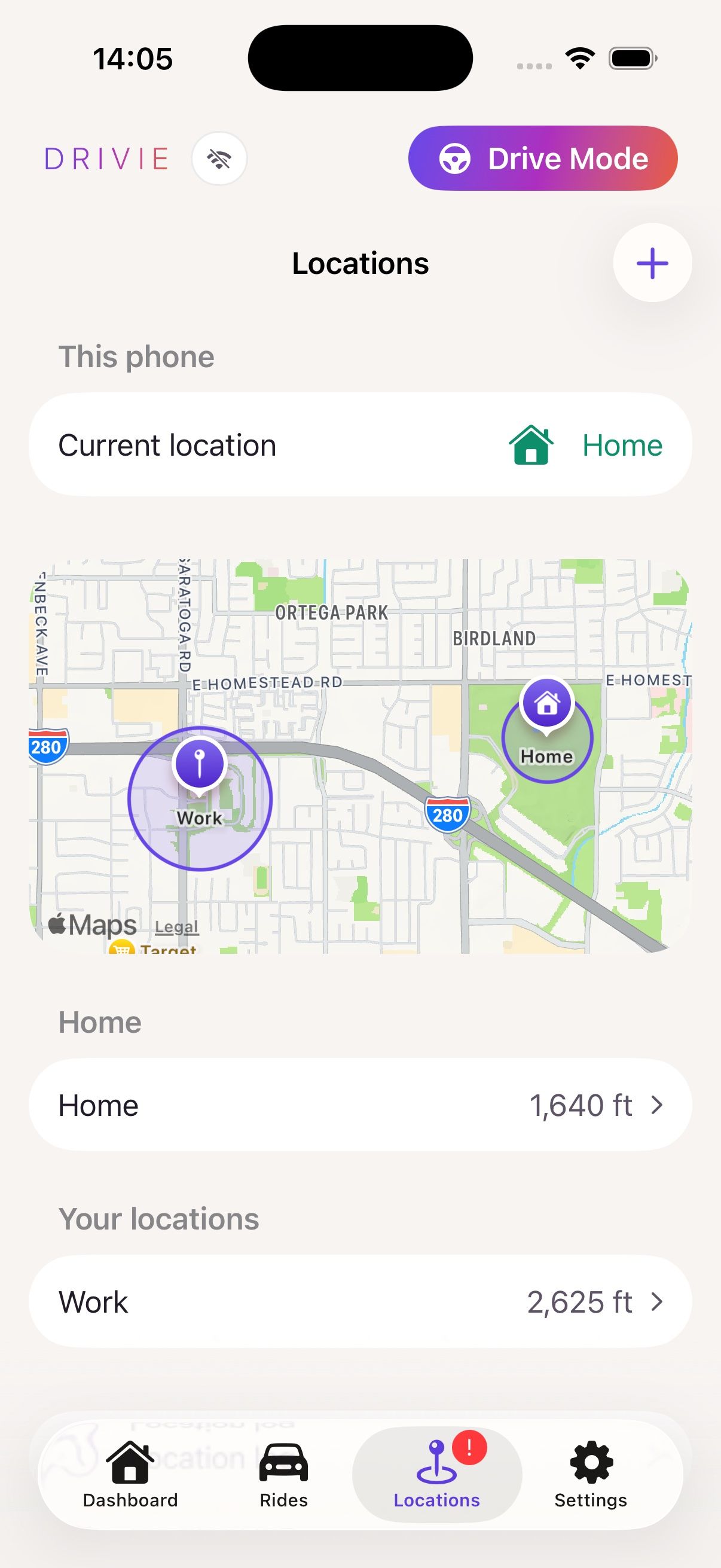
You add your own locations in Drivie: a spot on the map and a circle between 100 metres and 5 kilometres across. Home is there from the start, at your Homey's position.
Your phone notices when you enter or leave a location, even when Drivie is closed. Your Homey hears about it and your flows can respond.
The first one home, the last one out
Drivie looks at all the phones on your Homey together. A flow can switch on the lights as soon as the first person gets home and arm the alarm when the last one leaves. Whoever is still at home is not left in the dark.
A phone counts as long as it is inside the location, even when it is in a moving car.
Your buttons follow you
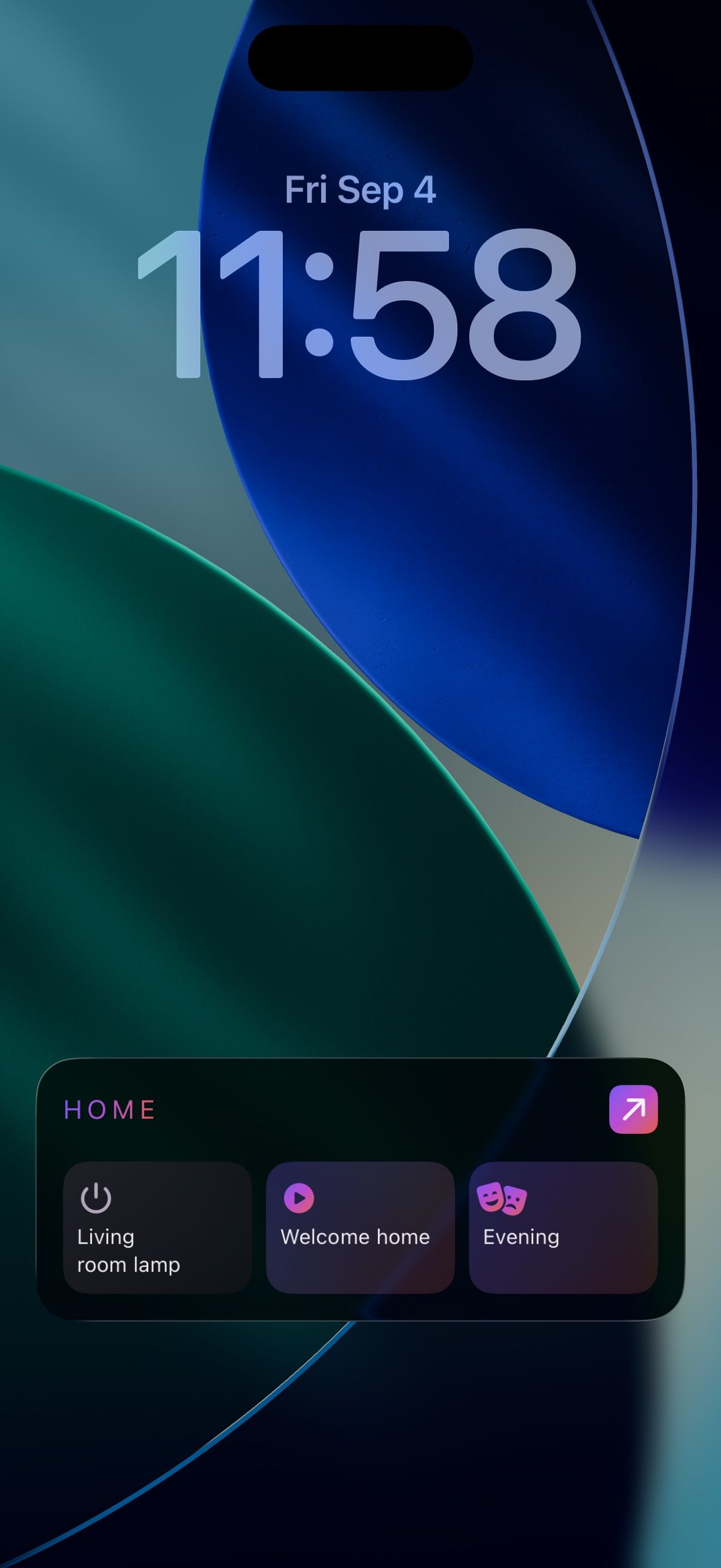
When you arrive somewhere, the buttons for that location appear on your lock screen, in a widget and on your Apple Watch or Wear OS watch. At home those are your lights and flows; at your parents' it might be the button for their front door.
Flow cards for your Homey
The Drivie app on your Homey adds these cards. You pick the location in the card itself.
- When Arrived at a location
- When Left a location
- When The first phone arrives at a location
- When The last phone leaves a location
- And Is within or not within a location
- And There is or is no phone at a location
A few examples
- The last phone leaves Home: the heating goes down and the front door locks.
- The first phone arrives at Home: the driveway lights come on.
- Arrived at Work: your Homey starts the robot vacuum, because nobody is home.
- There is no phone at the holiday home: the water heater stays off.
Presence not working?
- Give Drivie access to your location at all times, not only while using the app. Otherwise your phone does not notice you leaving while Drivie is closed.
- On an iPhone, also turn on Precise Location for Drivie.
- Some Android phones, such as Samsung's, put apps to sleep to save battery. Turn that off for Drivie in the battery settings.
- Do not make the circle too small. At around 100 metres your phone sometimes misses a departure, especially in a city.
- In Drivie, Settings → Permissions shows which permission is still missing, with a link to that setting.
Privacy
Your locations stay between your phone and your Homey, over the same Athom connection the Homey app uses. Drivie keeps no location history on a server and shares nothing with advertisers.
Questions about presence
How does my Homey know I am coming home?
Drivie uses your phone's location. Your phone notices when you enter or leave one of your locations, even when Drivie is closed, and passes that on to your Homey.
Does it work for everyone in the household?
Yes. Drivie looks at all the phones on your Homey together. With the cards "The first phone arrives" and "The last phone leaves", your home only responds when the first person gets home or the last one leaves.
Can I use more locations than home?
Yes. You add your own locations, such as work, your parents' or a holiday home. Each location is a circle between 100 metres and 5 kilometres across. Home is there from the start, at your Homey's position.
How is this different from presence in the Homey app?
The Homey app tracks whether someone is home, at your Homey's position. Drivie adds your own locations and cards for the first and the last phone, per location.
Where does my location go?
Your locations stay between your phone and your Homey, over the same Athom connection the Homey app uses. Drivie keeps no location history on a server.
What does presence cost?
Presence is part of Drivie Pro. Drivie itself, with CarPlay and Android Auto, is free. Try Pro for €1.49/month →
My Homey does not notice when I leave. What now?
Usually Drivie lacks permission to use your location at all times, or your phone puts the app to sleep to save battery. How to fix it →