What Drivie does
Drivie itself is free: you control your Homey from CarPlay and Android Auto. With Pro, your home also responds to where you are and when you drive.
Free
-
 Free
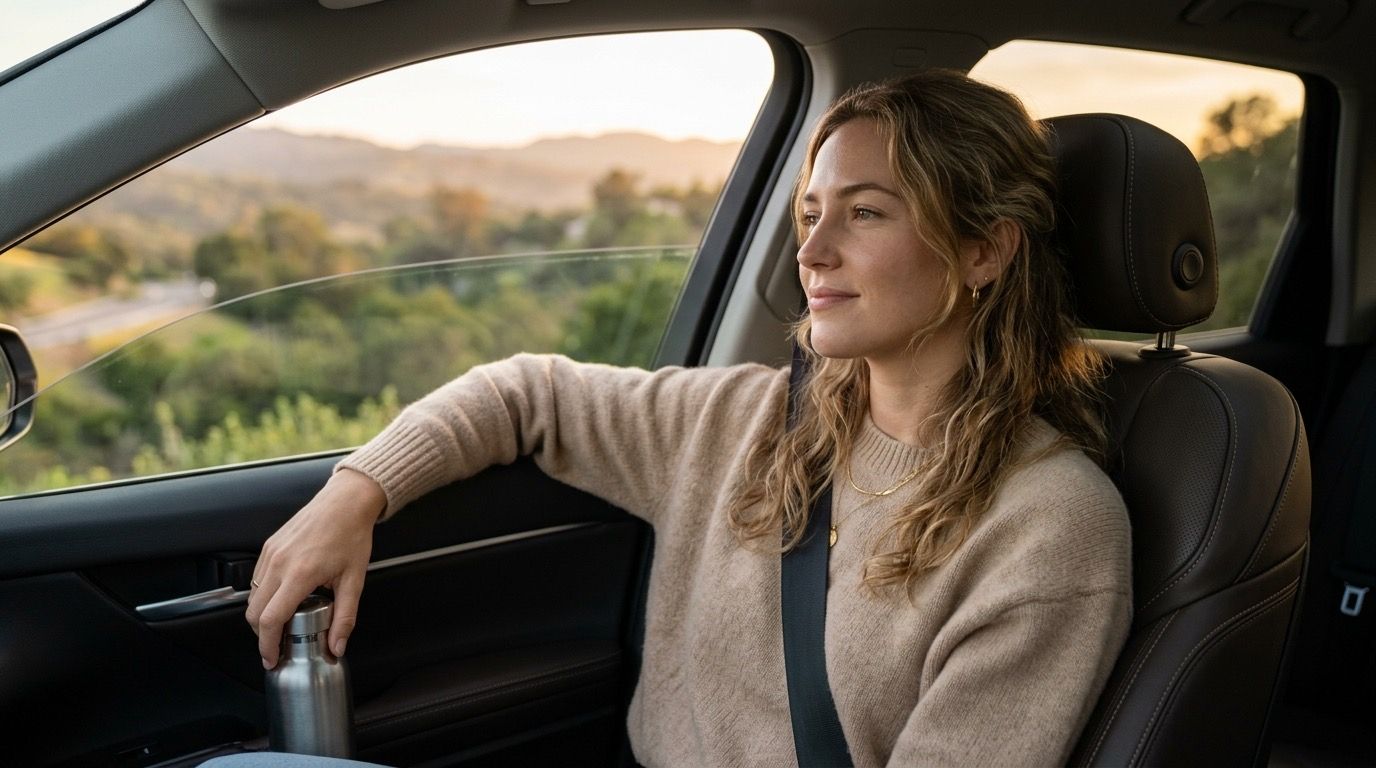
FreeYour Homey in CarPlay and Android Auto
Drivie puts your favourite flows, devices and moods on your car screen. You tap to switch something on or off, start a flow or pick a mood. This part of Drivie is free.
-
 Free
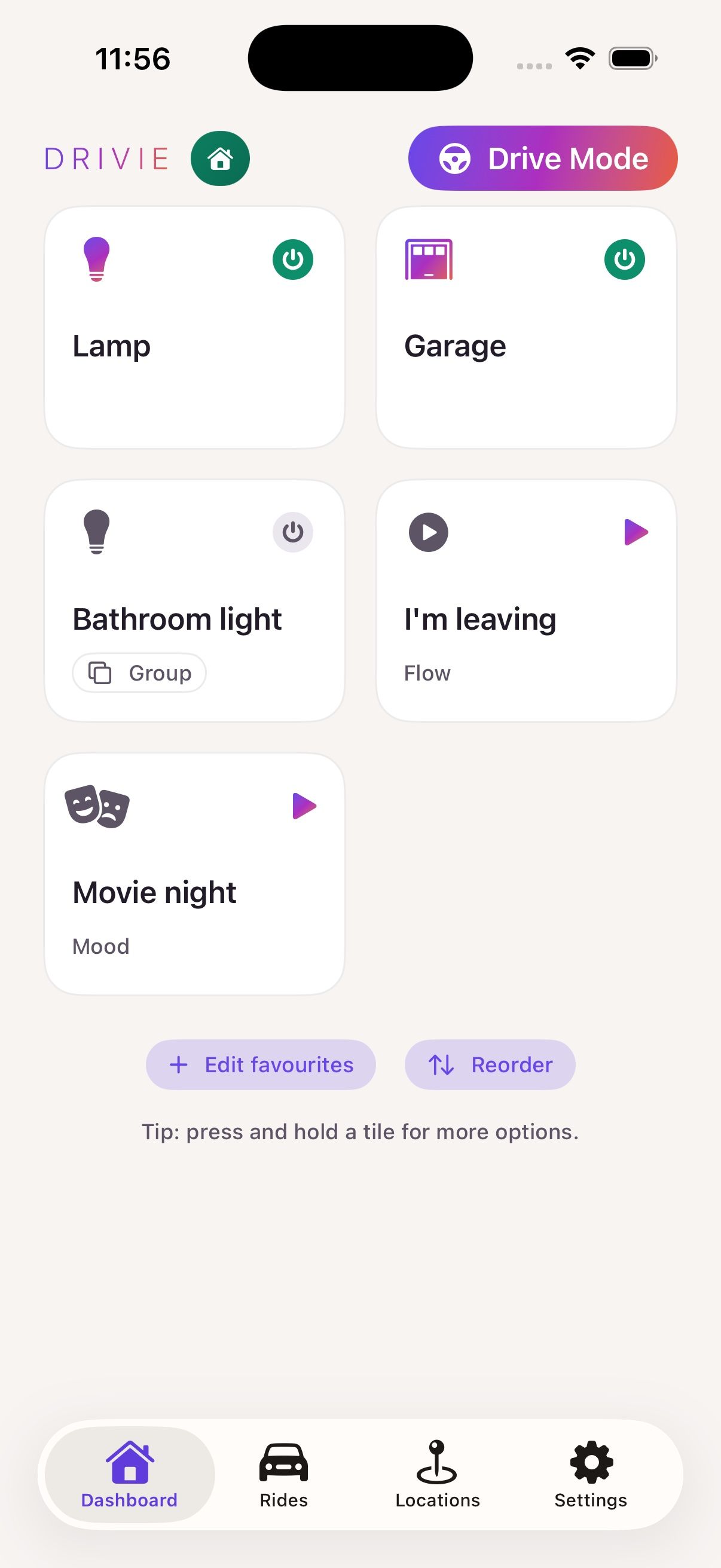
FreeDrive Mode: large buttons for the road
Drive Mode is a view in the Drivie app on your phone with large buttons and large text, made to control your Homey while driving. Drive Mode is free.
- Free
Lock the app and take your favourites along
Someone borrowing your phone does not need access to your Homey. You can lock Drivie, and your favourites come along to your other devices. Both are free.
Drivie Pro
-
 Pro
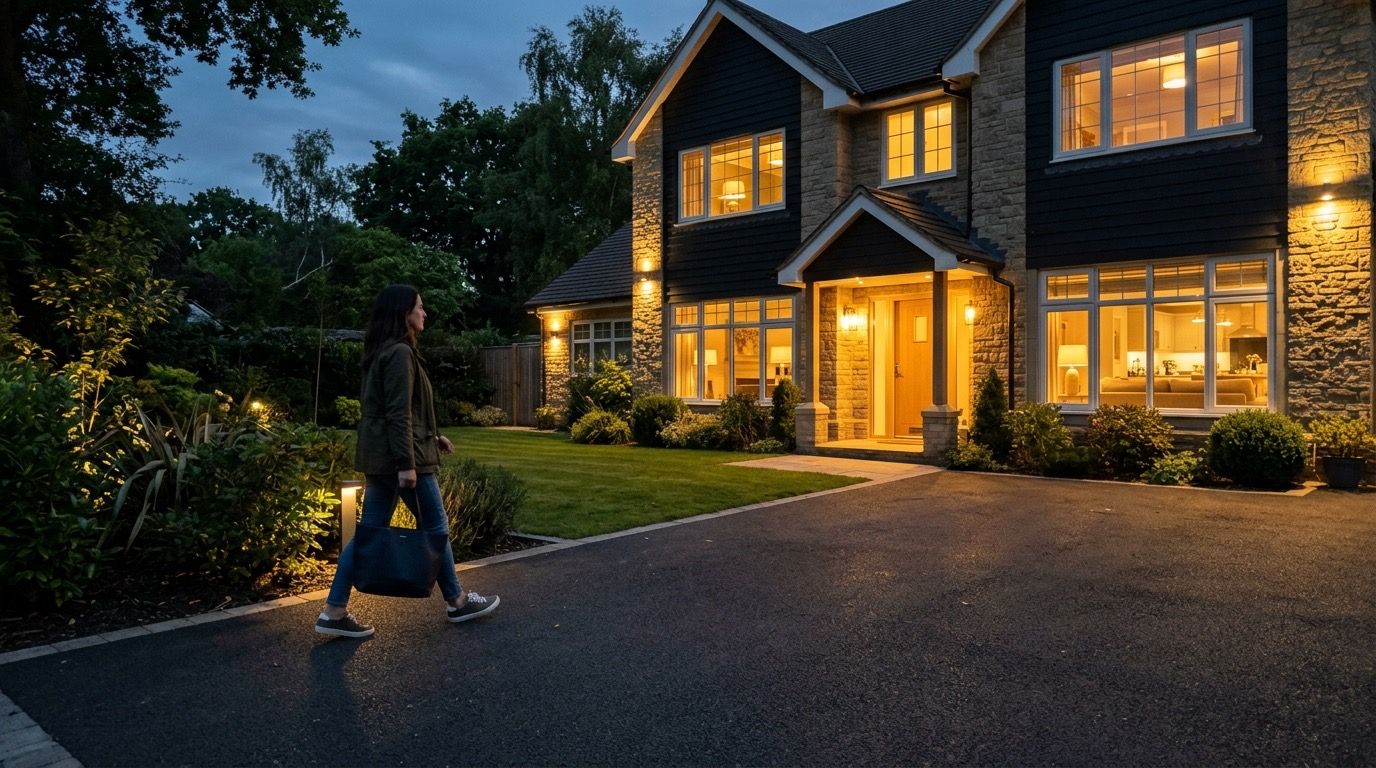
ProPresence detection for your Homey, at every location
Drivie tells your Homey when you arrive or leave, using your phone's location. That works at home, at work, at your parents' or at a holiday home, and for everyone in the household together.
-
 Pro
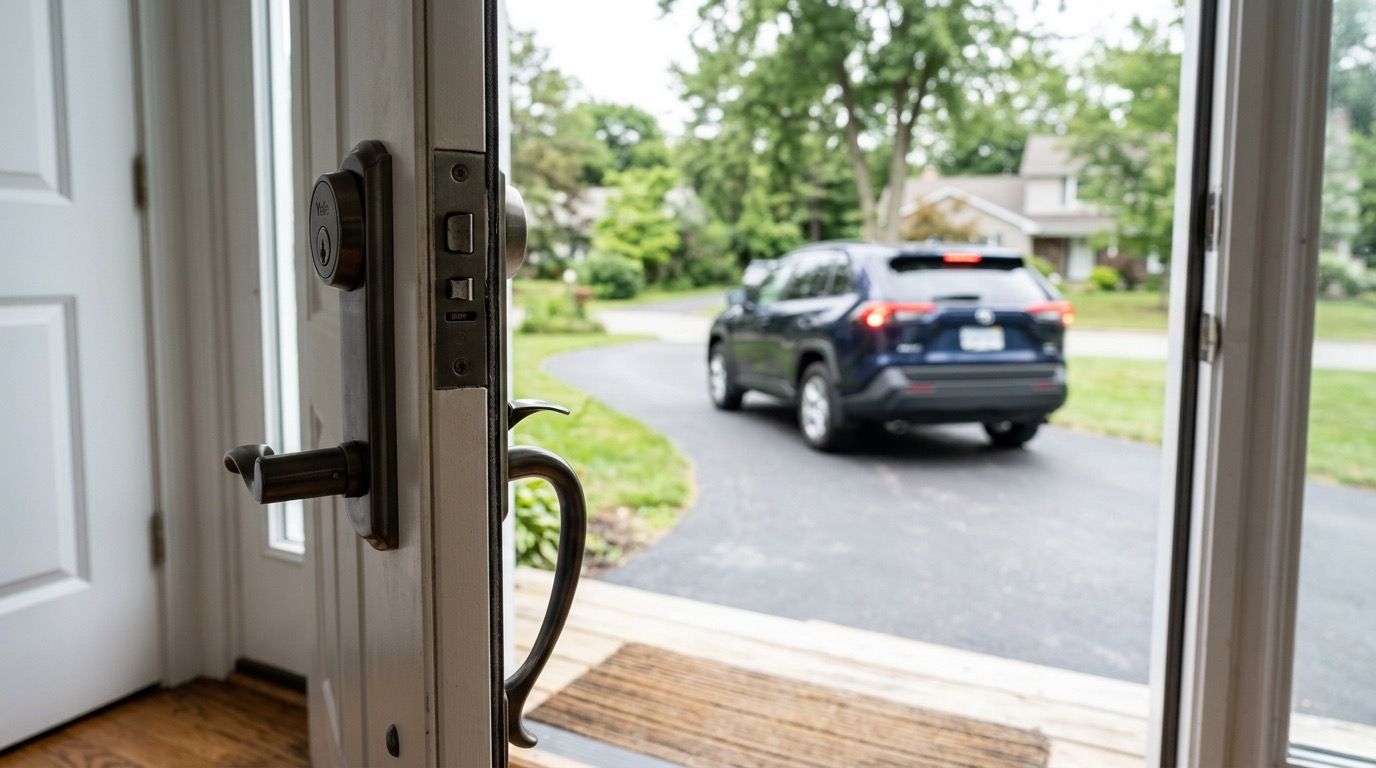
ProDriving off is enough to lock up
Drivie notices on its own when your ride starts and ends, and tells your Homey. A flow can then lock the front door and arm the alarm as soon as you leave the driveway.
-
 Pro
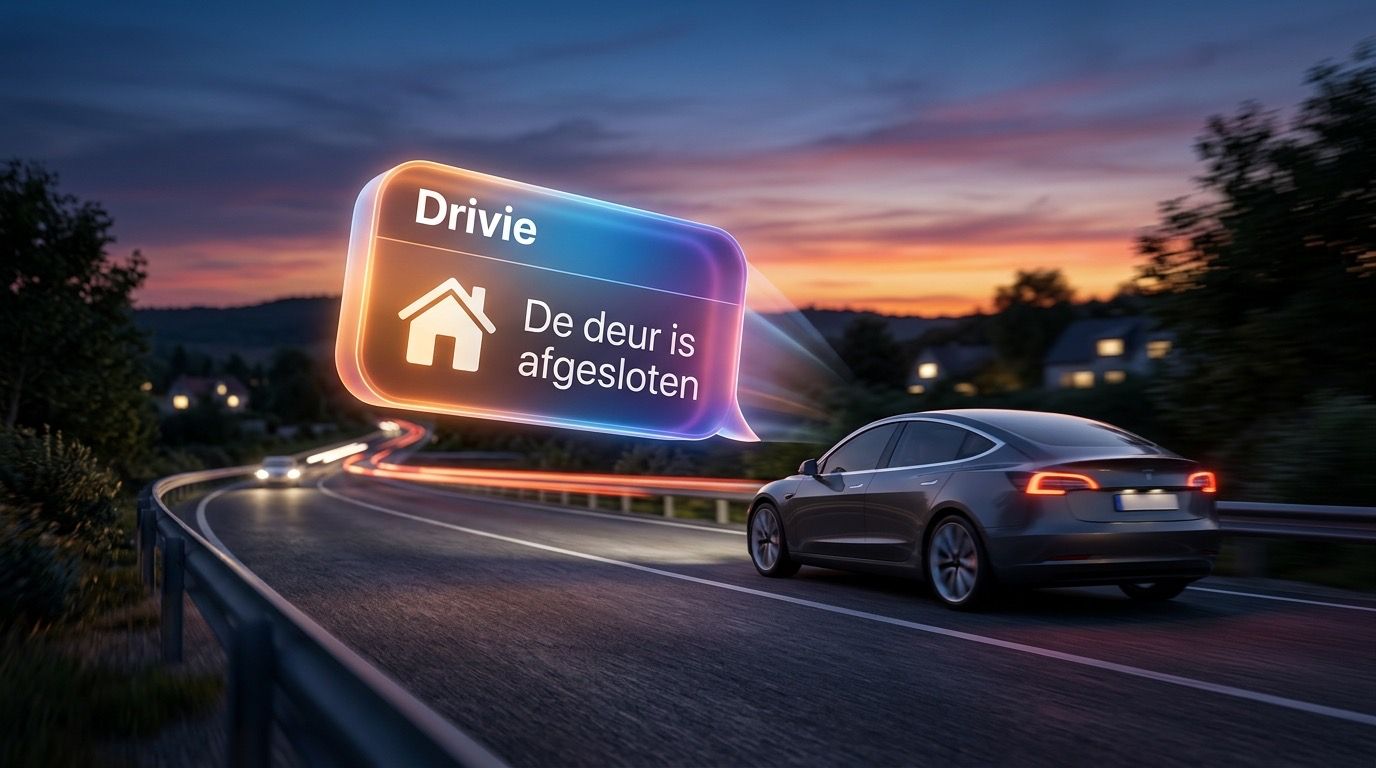
ProYour Homey speaks up, even on the road
With Drivie you send notifications from your Homey to the screen in your car. "The garage door is still open": you know before you leave the street.
-
 Pro
ProControl your home without opening the app
When you arrive somewhere, the buttons for that place appear on your lock screen and in a widget. You choose per location which flows, moods and devices are there.
-
 Pro
ProYour buttons on your wrist
When you arrive at a location, your Apple Watch or Wear OS watch shows the same buttons as your lock screen. One tap, without reaching for your phone.