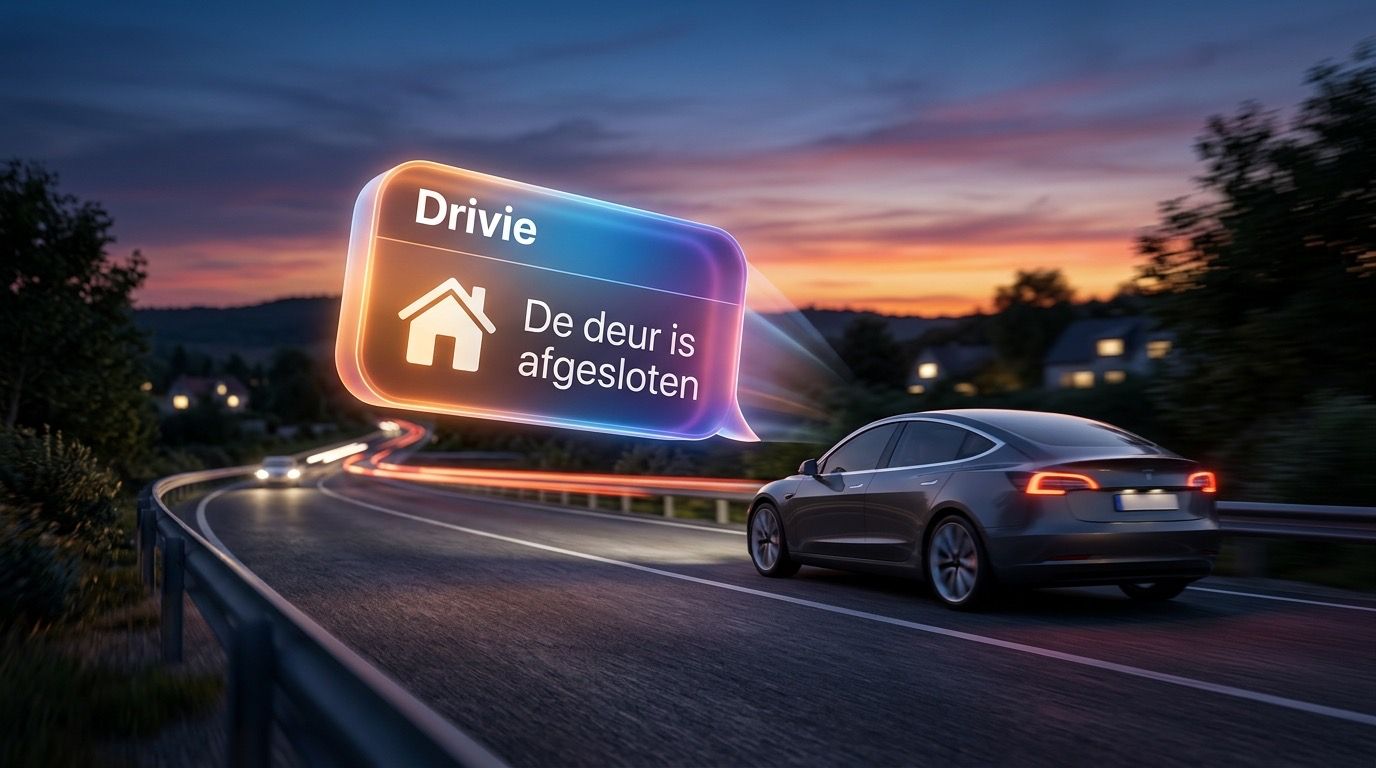
Your Homey speaks up, even on the road
With Drivie you send notifications from your Homey to the screen in your car. "The garage door is still open": you know before you leave the street.
A flow card for your notification
The companion on your Homey adds the action card "Show a notification in the car". You type the text yourself, and the flow decides when it goes out.
On your car screen
The notification appears on your phone and, when your phone is connected to CarPlay or Android Auto, on the car screen as well. For that, Drivie needs permission to send notifications.
A few examples
The garage door is still open as you drive off. Someone rings the doorbell while you are out. The washing machine is done as you are nearly home.
Questions
Is this part of Pro?
Yes. CarPlay and Android Auto are free, but notifications from your Homey on the car screen are part of Drivie Pro.
How does a notification reach my phone?
Through Drivie’s key service at Cloudflare to Apple or Google, who deliver it to your phone. To make sure notifications only reach your phones, that service keeps a hash of each push token, not the notification itself.
I get no notification in the car.
Check in Drivie under Settings, Permissions that notifications are on, and that Pro is active.