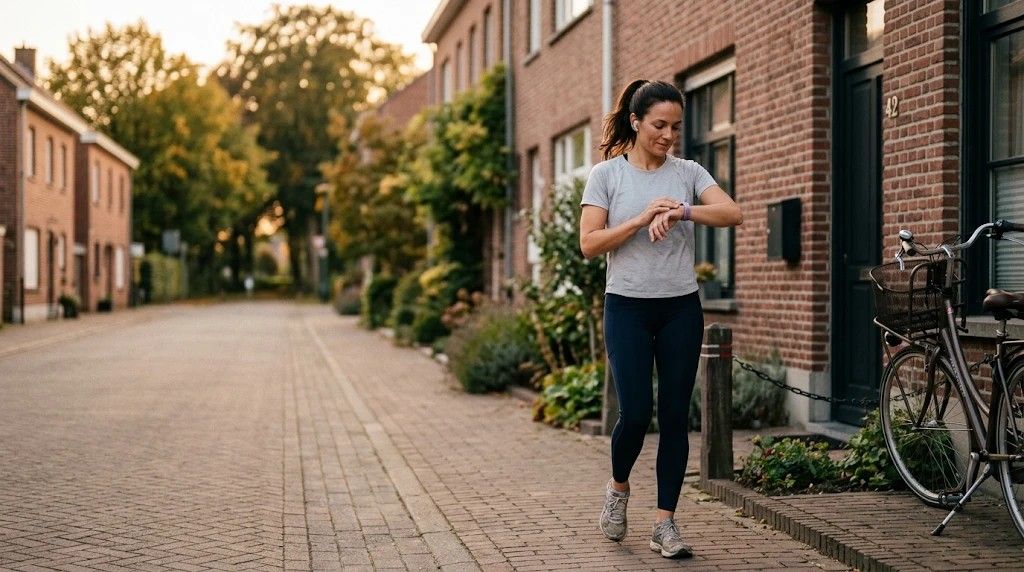
Your buttons on your wrist
When you arrive at a location, your Apple Watch or Wear OS watch shows the same buttons as your lock screen. One tap, without reaching for your phone.
The same buttons as your lock screen
Your watch shows the location’s name and the buttons you chose for it. On Apple Watch you tap the card in the Smart Stack to open them.
Your phone does the work
Your watch gets no access of its own to your Homey. Every tap goes to your phone, which carries it out. So your phone needs to be nearby. If it is not, your watch says so clearly.
Confirm first
A lock, alarm or garage door asks for confirmation on your watch too.
Questions
Is this part of Pro?
Yes. The buttons on your watch are part of Drivie Pro.
Does it work without my phone?
Your watch shows the last buttons even without a connection, but carrying them out goes through your phone. So it needs to be reachable.
Which watches work?
An Apple Watch with your iPhone, or a Wear OS watch with your Android phone.